Guild icon
PLU CSCI 390 Group
Text Channels / ui-design-shiz
Avatar
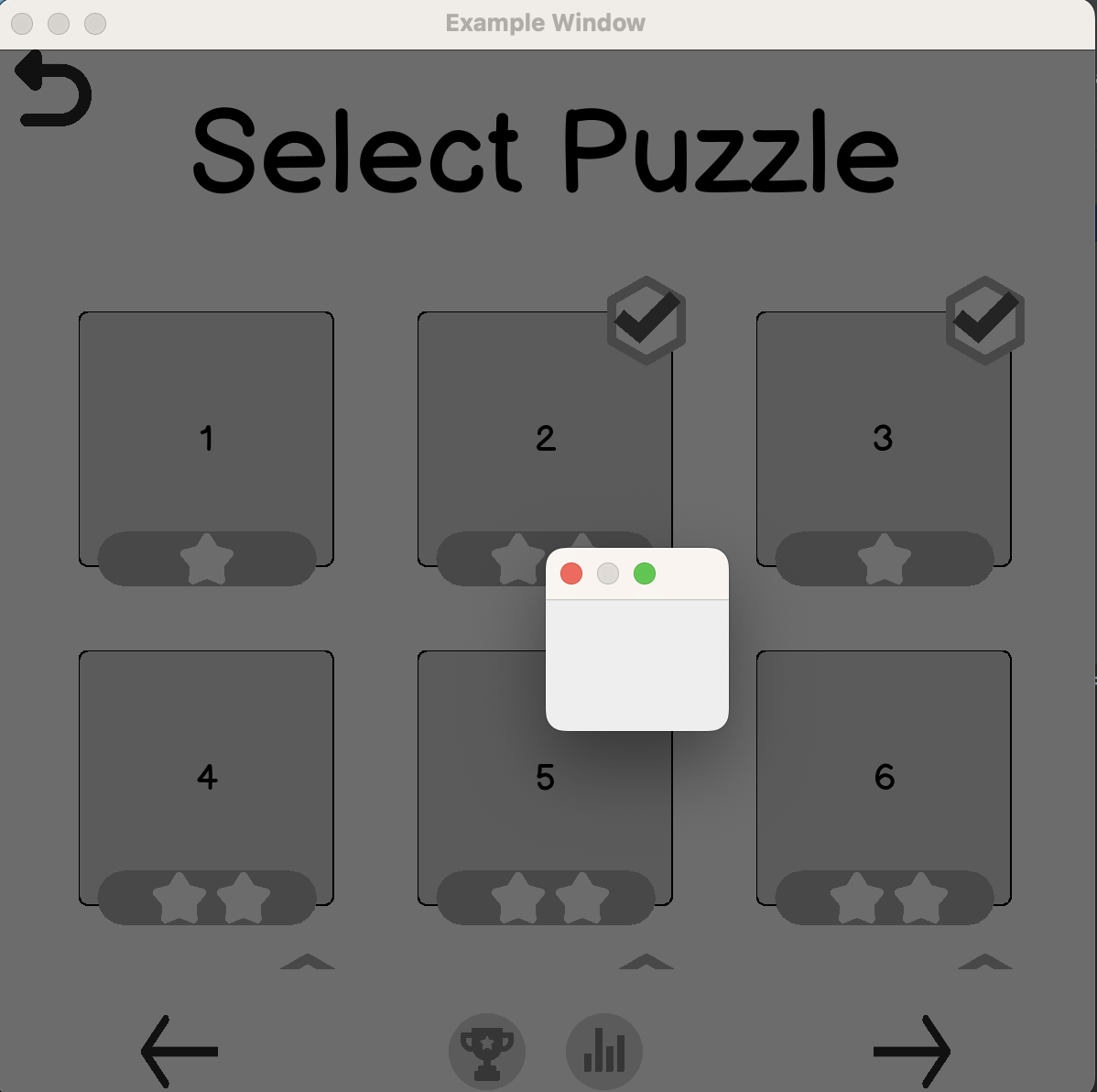
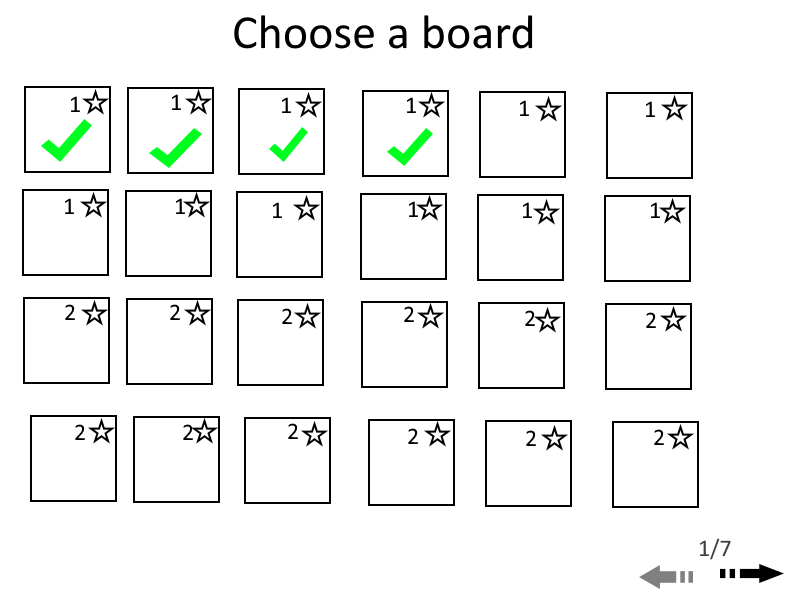
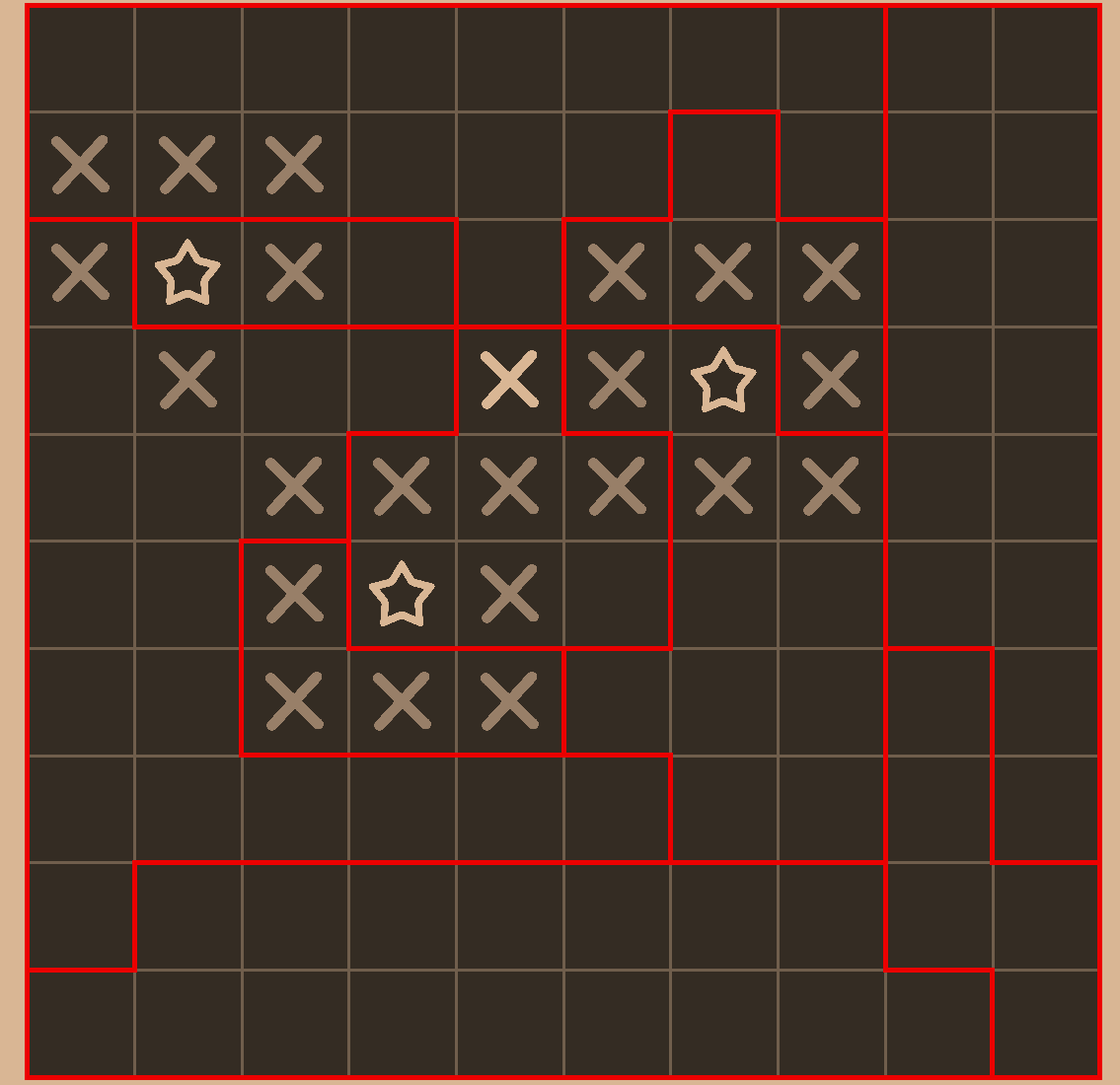
Choose a board sorta thing (edited)
Avatar
What do the star numbers represent?
Avatar
how many stars per area was the thought (edited)
16:02
bossman is calling, ill try and work on the other ui in a bit
Avatar
I came up w/ this. Im really not sure.
Avatar
Yo what the fuck this looks so good
❀️ 1
19:20
Holy shit
Avatar
Thanks haha. I'm going to upload the design doc to our branch, it'll explain a little bit more of everything, and y'all can review πŸ˜„
Avatar
Avatar
Chris
Thanks haha. I'm going to upload the design doc to our branch, it'll explain a little bit more of everything, and y'all can review πŸ˜„
Yeah it’s looks really good nice job man! πŸ‘
❀️ 1
Avatar
Thanks guys. I'll just post it here since I have a pdf. This has all the information regarding the behavior of all the components.
21:10
Please take a read. I'll get this posted on Github for review as wel
Avatar
Avatar
Chris
Thanks guys. I'll just post it here since I have a pdf. This has all the information regarding the behavior of all the components.
that looks awesome, only tiny issue is when you click on the images it goes to localhost πŸ˜‰
09:07
but like its a great document none the less
09:07
ill see what I can do getting some of this implemented into our app
❀️ 1
Avatar
Oh yeah, I couldn't get pandoc to work, so I had to use host on a web server and save as pdf on the browser πŸ˜‚ (edited)
Avatar
damn πŸ˜‚
09:08
thats honestly a good work around
Avatar
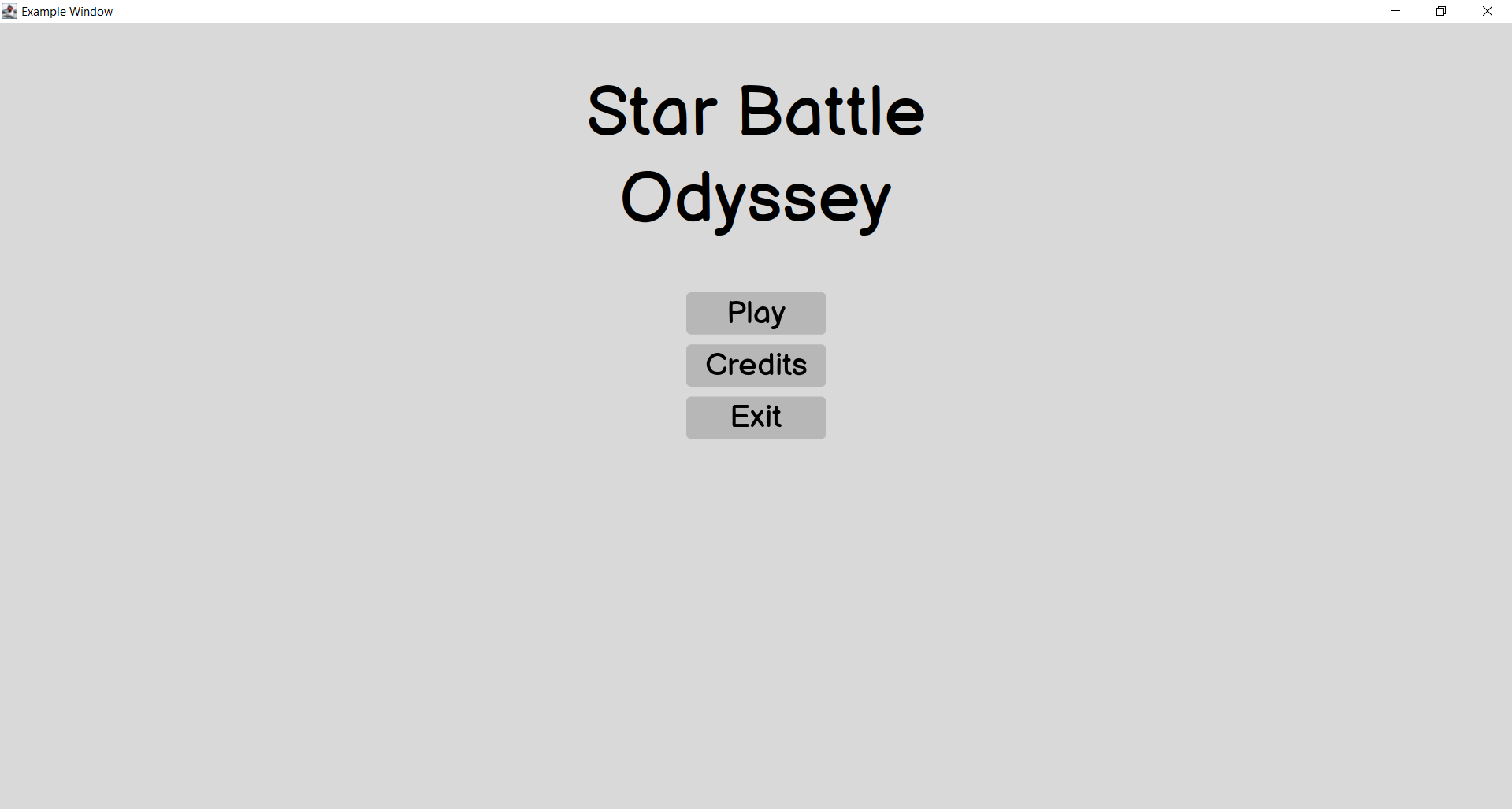
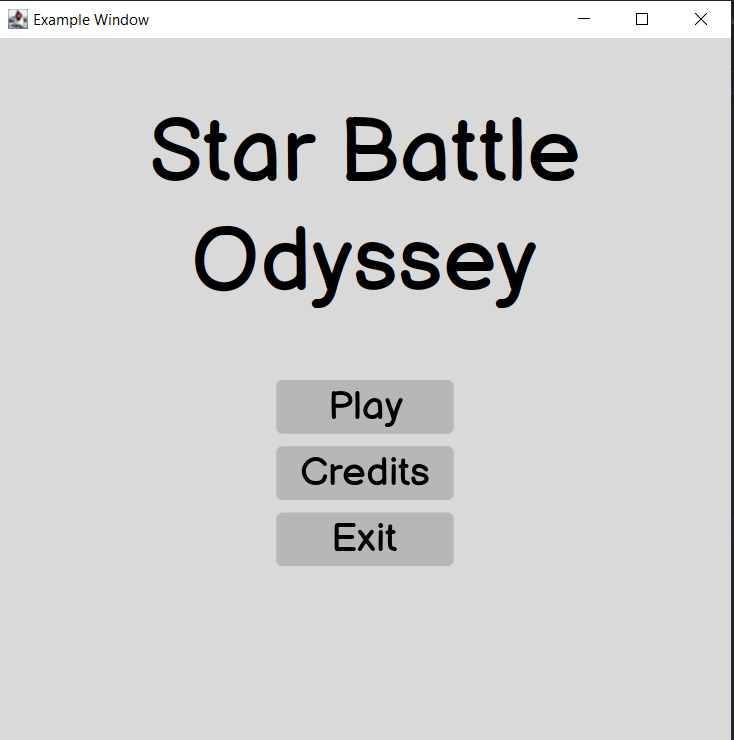
Got this done in java swing, and it all resizes mostly properly
11:30
Avatar
Sweet!!
12:03
You even got the font and everything, excellent work Eric
Avatar
Code still needs a lot of refactoring done, but I'll try to get the rest done when I can
Avatar
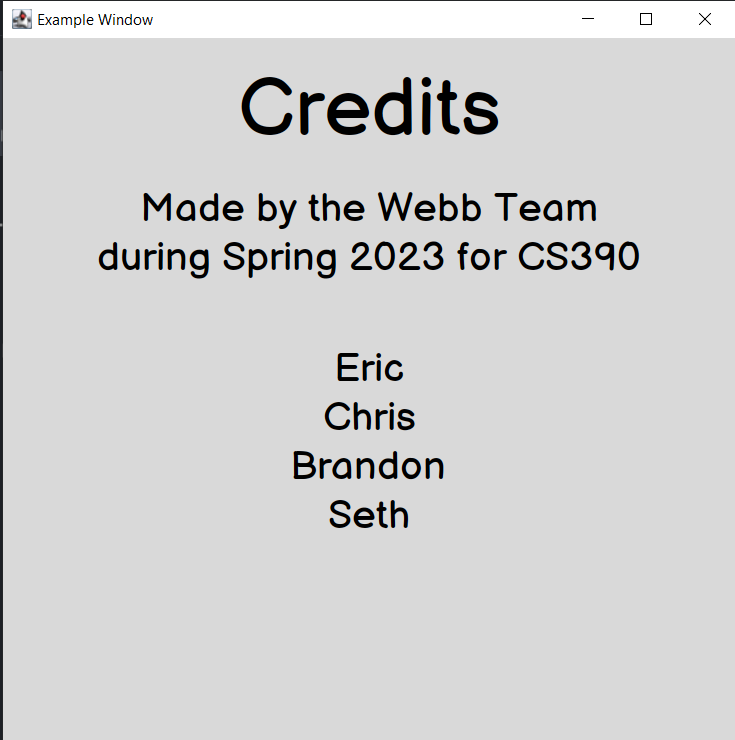
Credits screen in Swing
Avatar
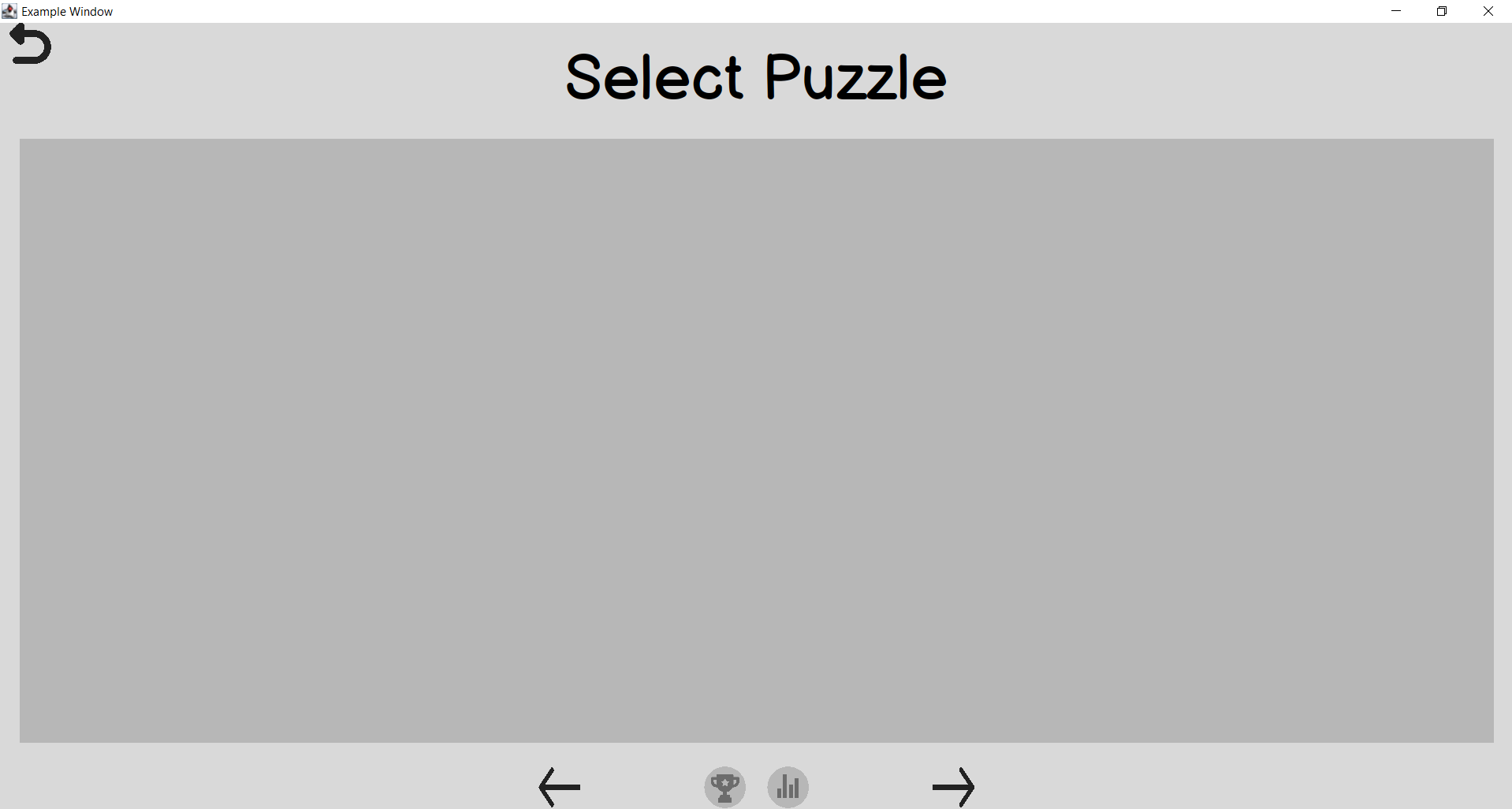
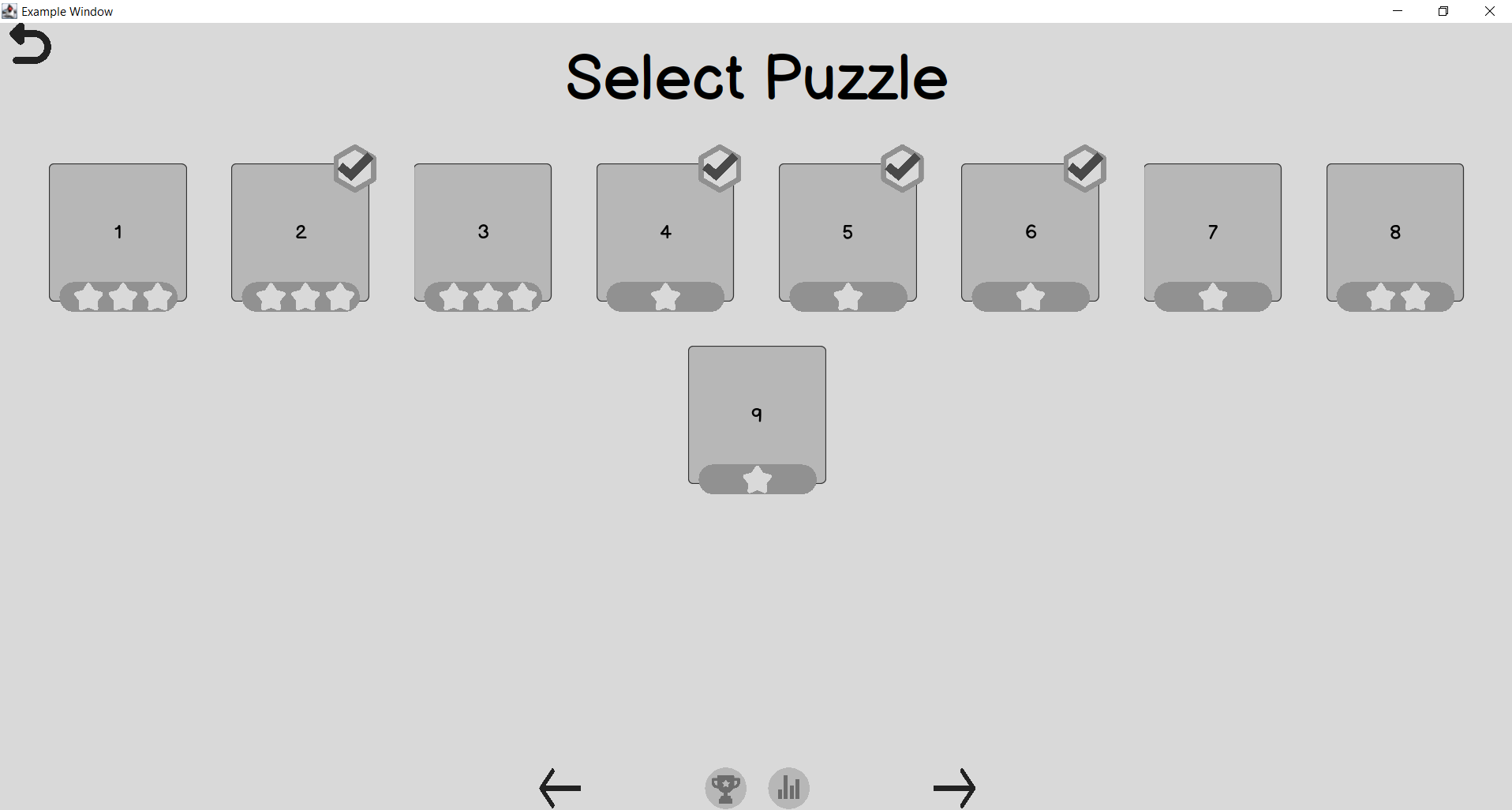
WIP select puzzle screen. Running into some wacky issues with the middle panel resizing wrong but ill get there
Avatar
So i have it written in java. but in like the worse possable way
16:45
Im just running into weirdnesses with adding overlay components, like the emblem and star count
Avatar
Lol no worries. We’ll refactor next iteration. Thanks for all the work Eric
Avatar
Avatar
Chris
Lol no worries. We’ll refactor next iteration. Thanks for all the work Eric
I'll work on getting the rest written and commented, I'm just not pleased in the way I have it working haha
πŸ‘ 1
Avatar
@Eric Golde I got a demo of a working implementation of setting the main window to semi-transparent darkened overlay. I got it on a separate branch FYI, I added it to the stats action listener (edited)
19:24
I also made sure that all WebbButtons default to the hand type cursor
19:26
Unfortunately, the code I have doesn't really have other things like block interactions of the main window until the dialog is closed
19:28
The documentation for JDK 19 includes developer guides, API documentation, and release notes.
This Swing Java Tutorial describes developing graphical user interfaces (GUIs) for applications and applets using Swing components
19:28
They do have a blurred example which is handy
Avatar
Avatar
Chris
@Eric Golde I got a demo of a working implementation of setting the main window to semi-transparent darkened overlay. I got it on a separate branch FYI, I added it to the stats action listener (edited)
ill take a look when I can, thanks
19:40
I have a overlay window working thats imbeded, but it also removes all layouts I had set 😐
Avatar
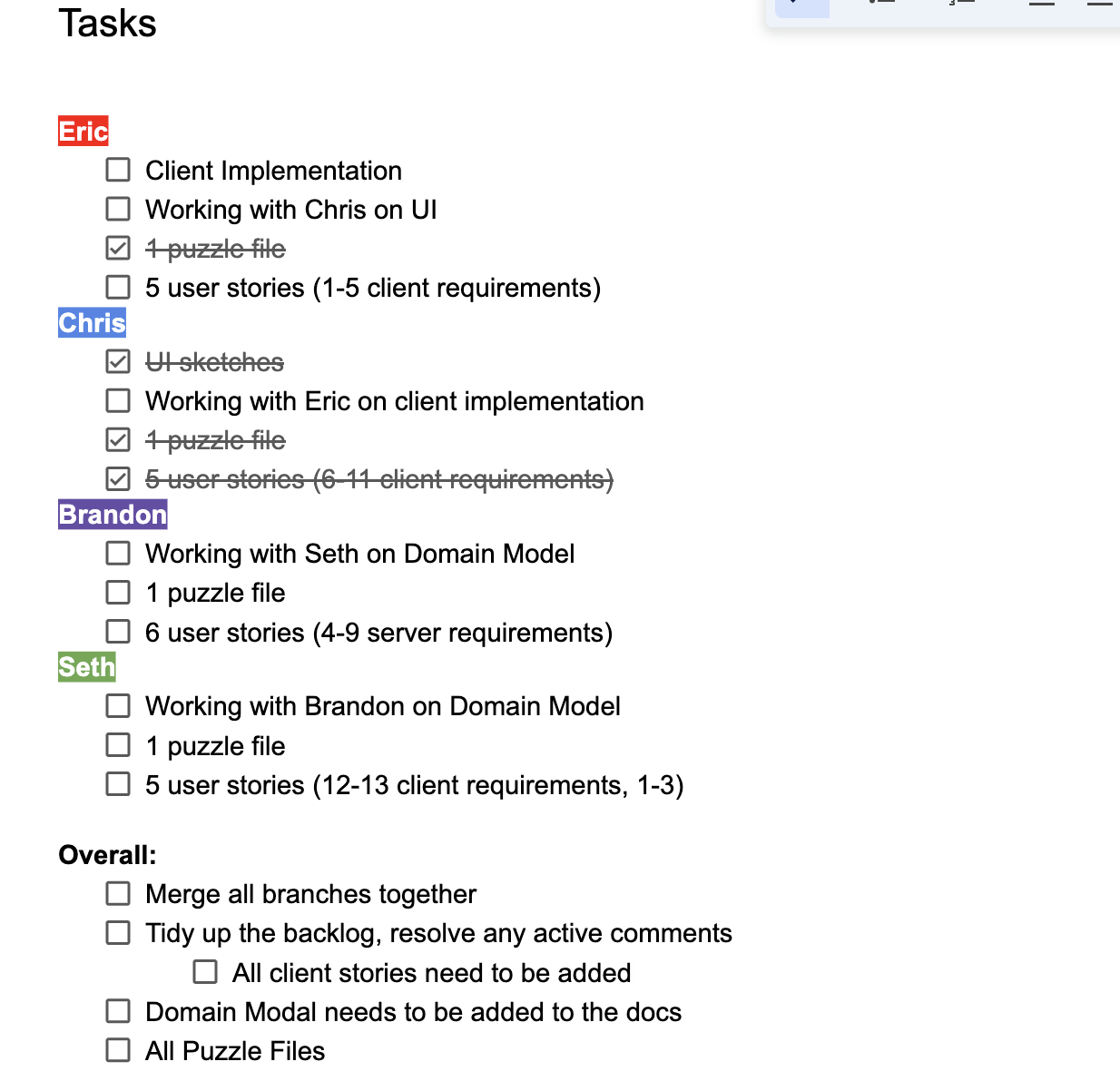
What else needs to be done for this sprint? I am feeling quite overwelmed with hw at the moment but hopefully I can look at things tuesday without feeling like I want to throw up from stress
Avatar
This is what we got at the moment. And, that's totally understandable man. Honestly, I think considering what Wolff said in class today we are golden on the implementation. Really at this point we gotta finish up the other things as well (in general). (edited)
Avatar
i need to bookmark that document, thanks my dude
20:04
ill work on some more ui stuff when i can, most likely tomorrow
Avatar
@Chris just looked at your implementation for the overlay, I like it. I may poke at it more to block interactions etc
10:44
ive never used setGlassPane before
Avatar
@Eric Golde Yeah, it's super useful. Glad it was helpful
Avatar
I may mess with making the title headings bolded, but this is what I gott so far
🀩 1
Avatar
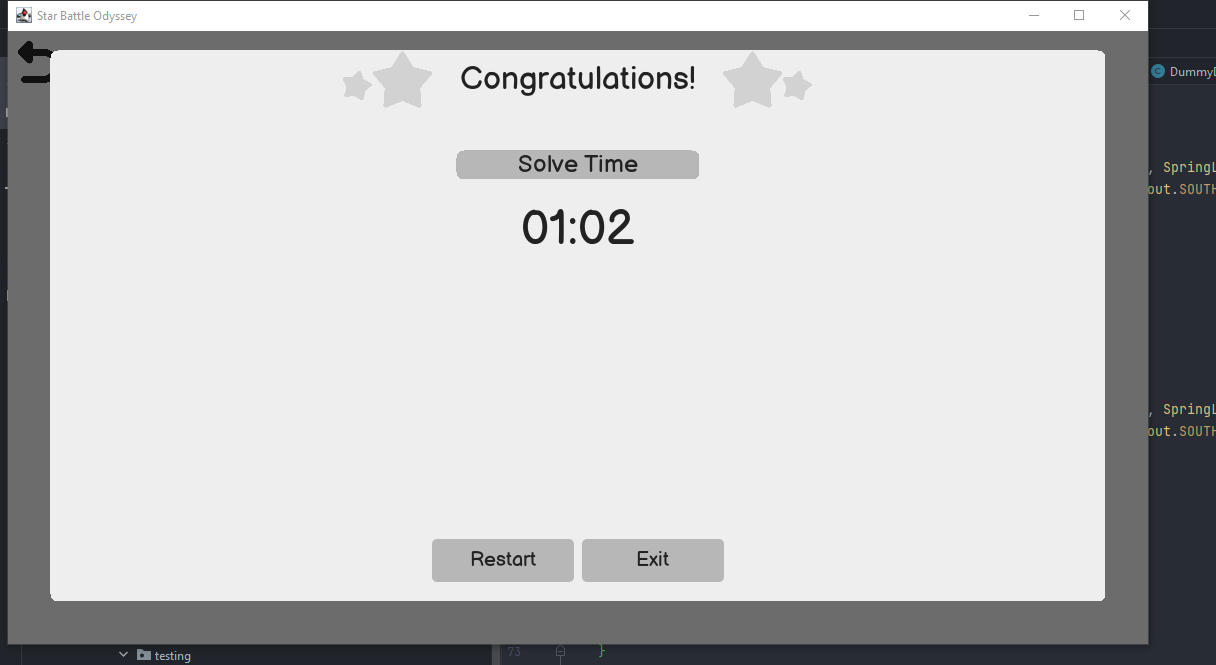
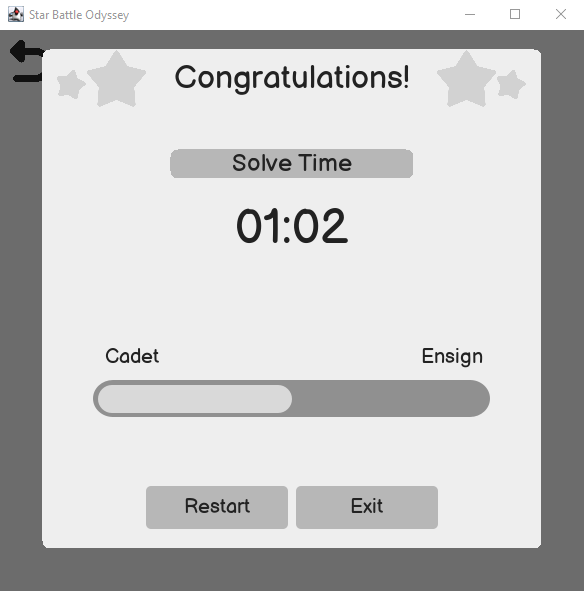
Congrats panel is done, except for the progress bar thingy
🀩 1
13:48
Also the popup's now fill the screen a lot more than before. They have a 100px border on the outside atm
Avatar
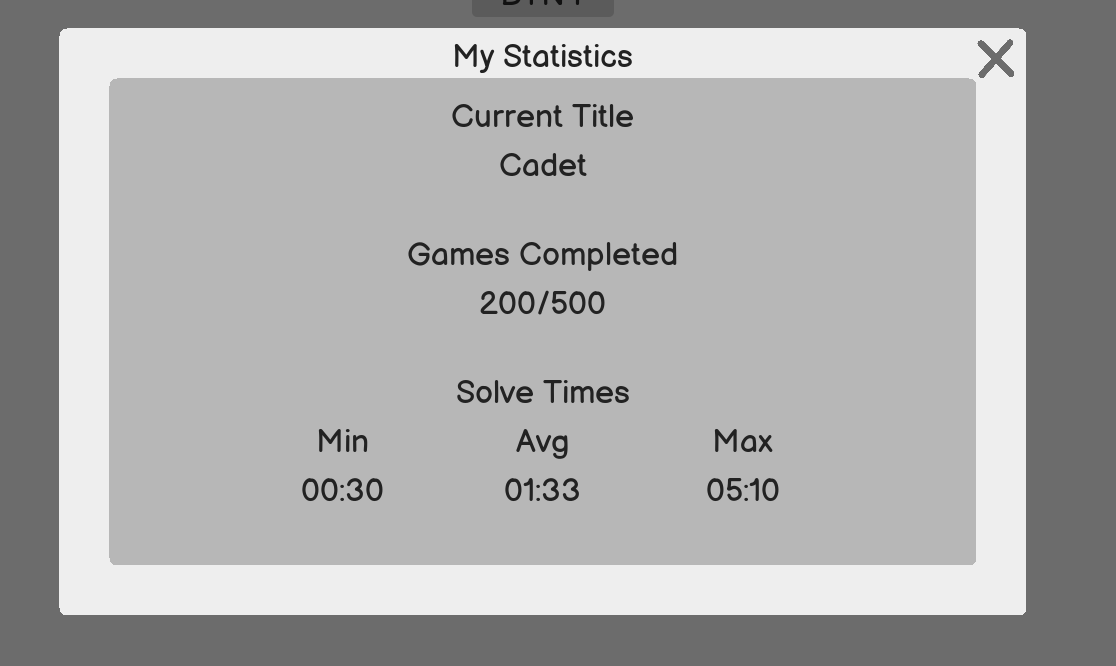
its WIP for the statistics popup, but I need to take a bit of a break to do some stuff for my work
Avatar
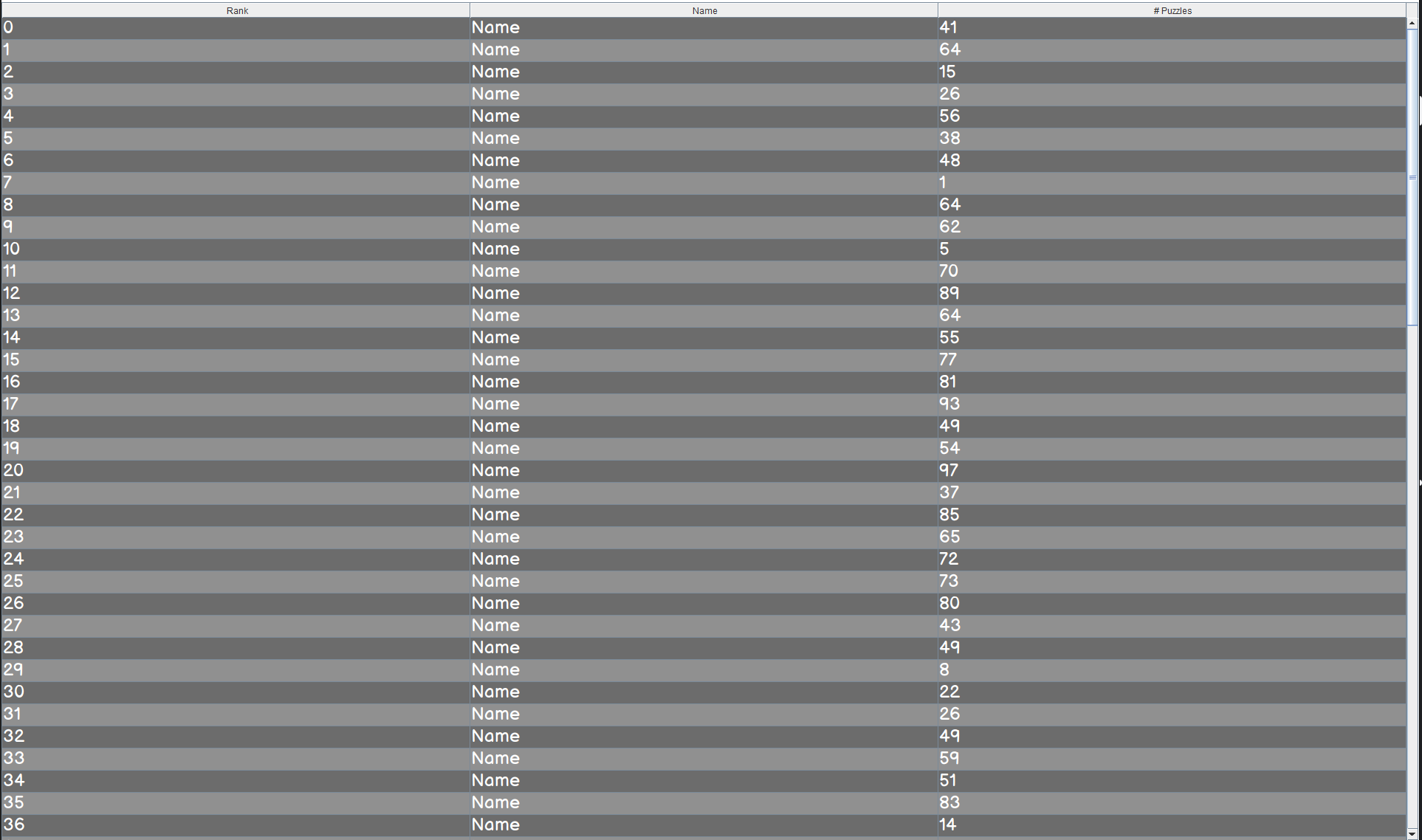
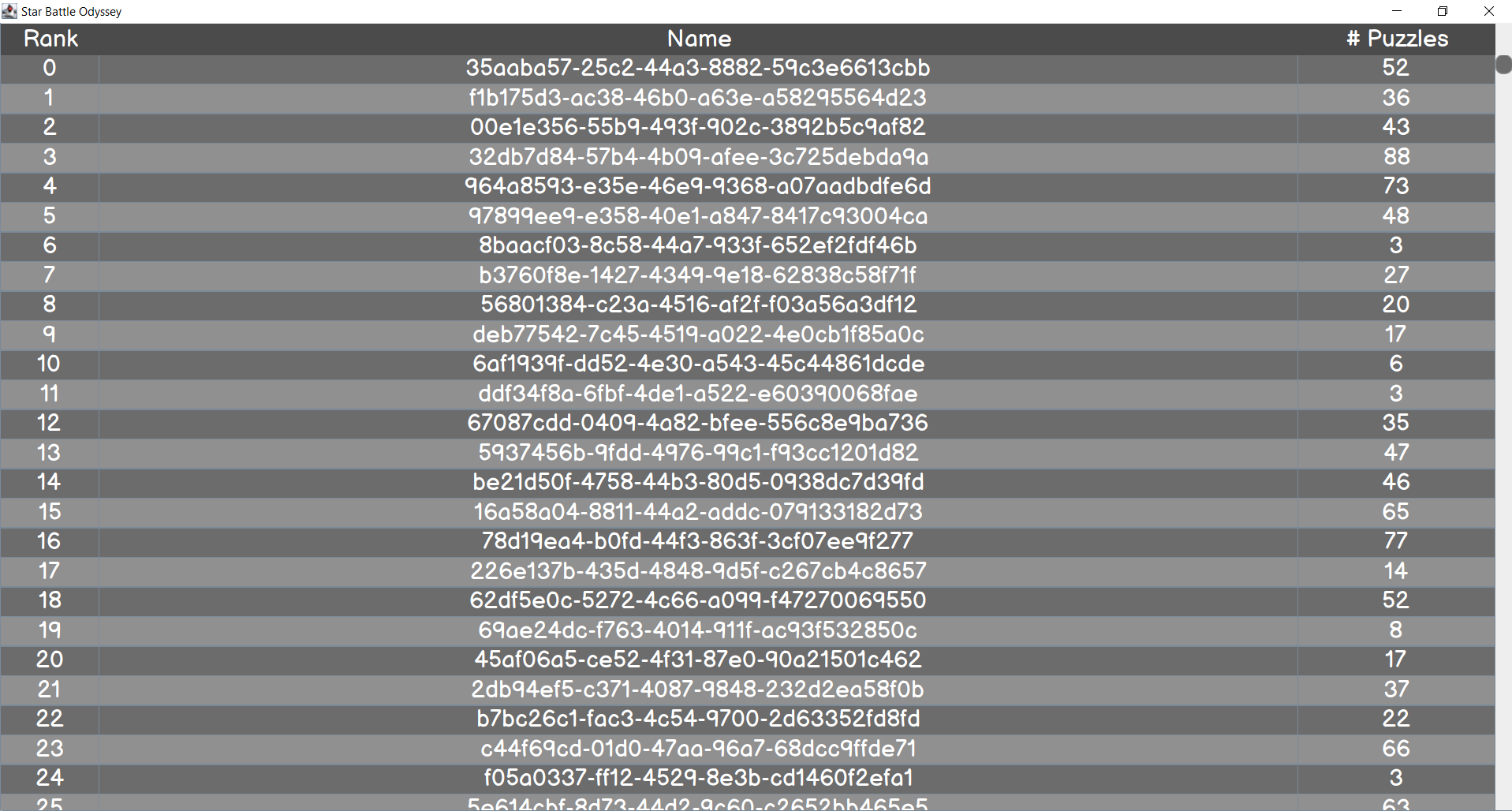
The UI table is mostly comming along
🀩 1
Avatar
Progress bar is done
πŸ”₯ 1
09:43
I didn't add the Tick marks, because I was having issues with drawing rounded rectangles ontop of the progress bar element
πŸ‘ 1
Avatar
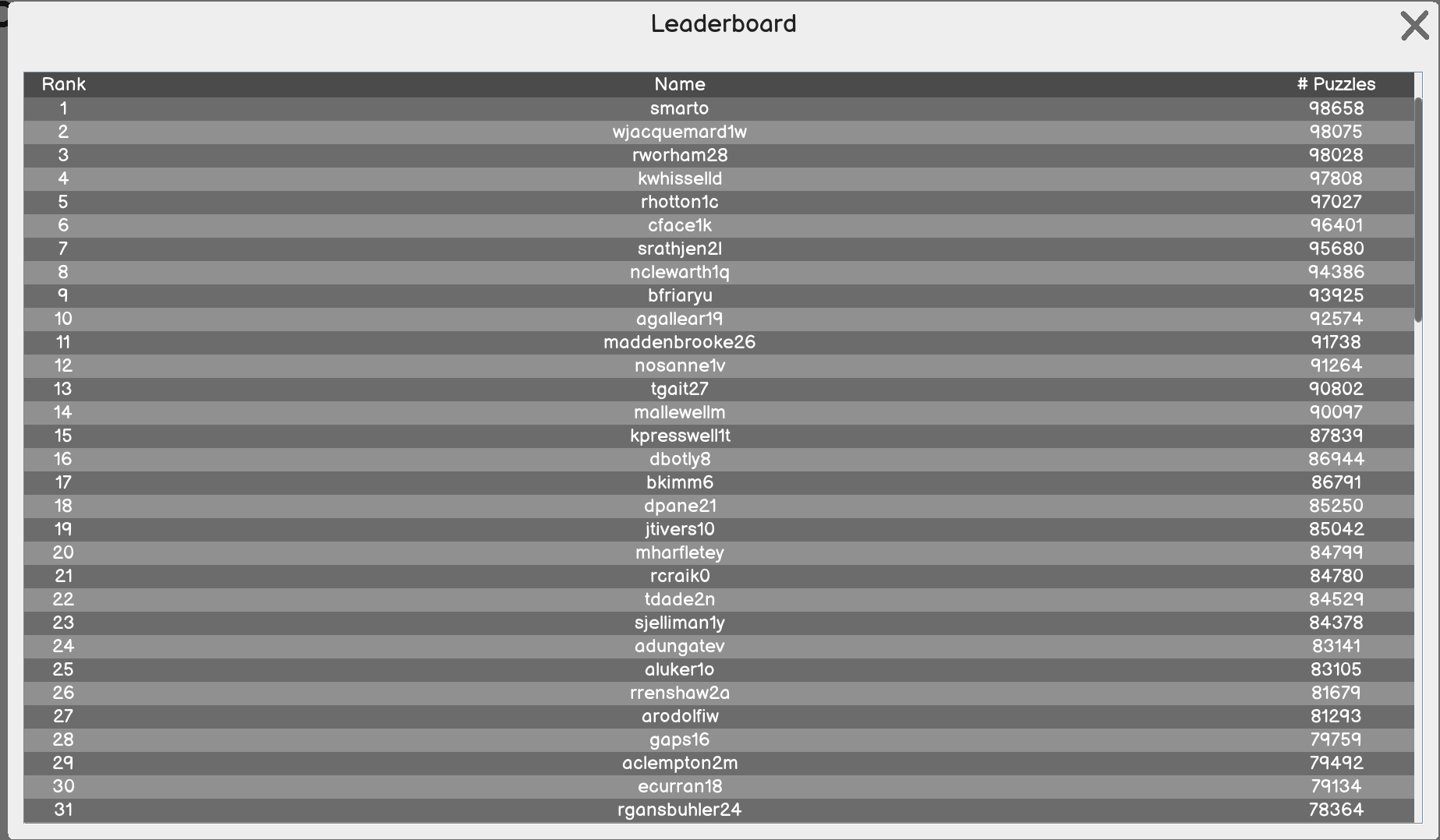
Leaderboard popup is finished
10:45
Ive been slowly checking things off on Github, but I am keeping the issues open for now for future progress
Avatar
Avatar
Eric Golde
Ive been slowly checking things off on Github, but I am keeping the issues open for now for future progress
looks good dude ill start over this weekend the functions of the progress/stat window
Avatar
Avatar
Seth
looks good dude ill start over this weekend the functions of the progress/stat window
Sounds good. The stats popup should be documented how it works. In the screen window, you do showPopup(new PopupStatistics( CURRENT_TITLE, GAMES_COMPLETED, GAMES_MAX, SOLVE_TIME_MIN, SOLVE_TIME_MAX, SOLVE_TIME_AVERAGE )); Solve times are in milliseconds (edited)

12:04
I haven't merged anything into the main branch yet, but I will do so today
12:05
There is an example popup in the ScreenComponentTesting of the statistics screen with dummy data
12:05
Feel free to give me a ping or what not if the UI seems not to be behaving as you think it should. Would not be suprised if I got some bugs in it lol
Avatar
alrighty sounds good dude
Avatar
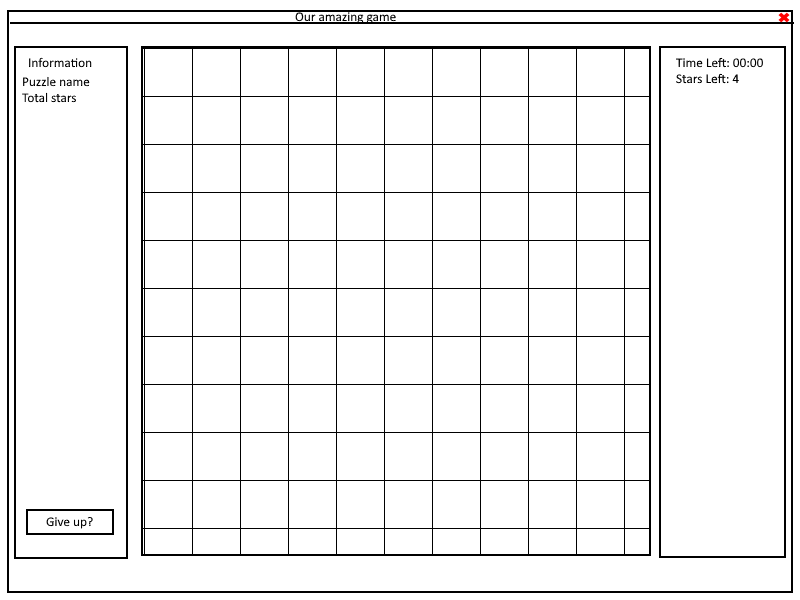
@Chris are the buttons on the playing puzzle screen suppose to be ovals and not circles?
Avatar
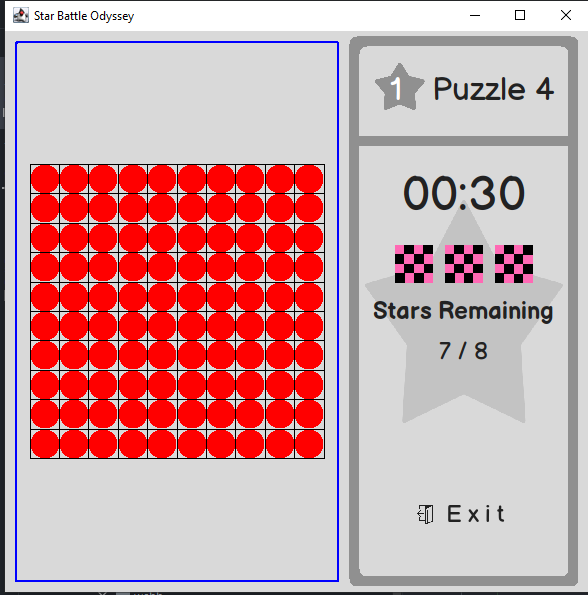
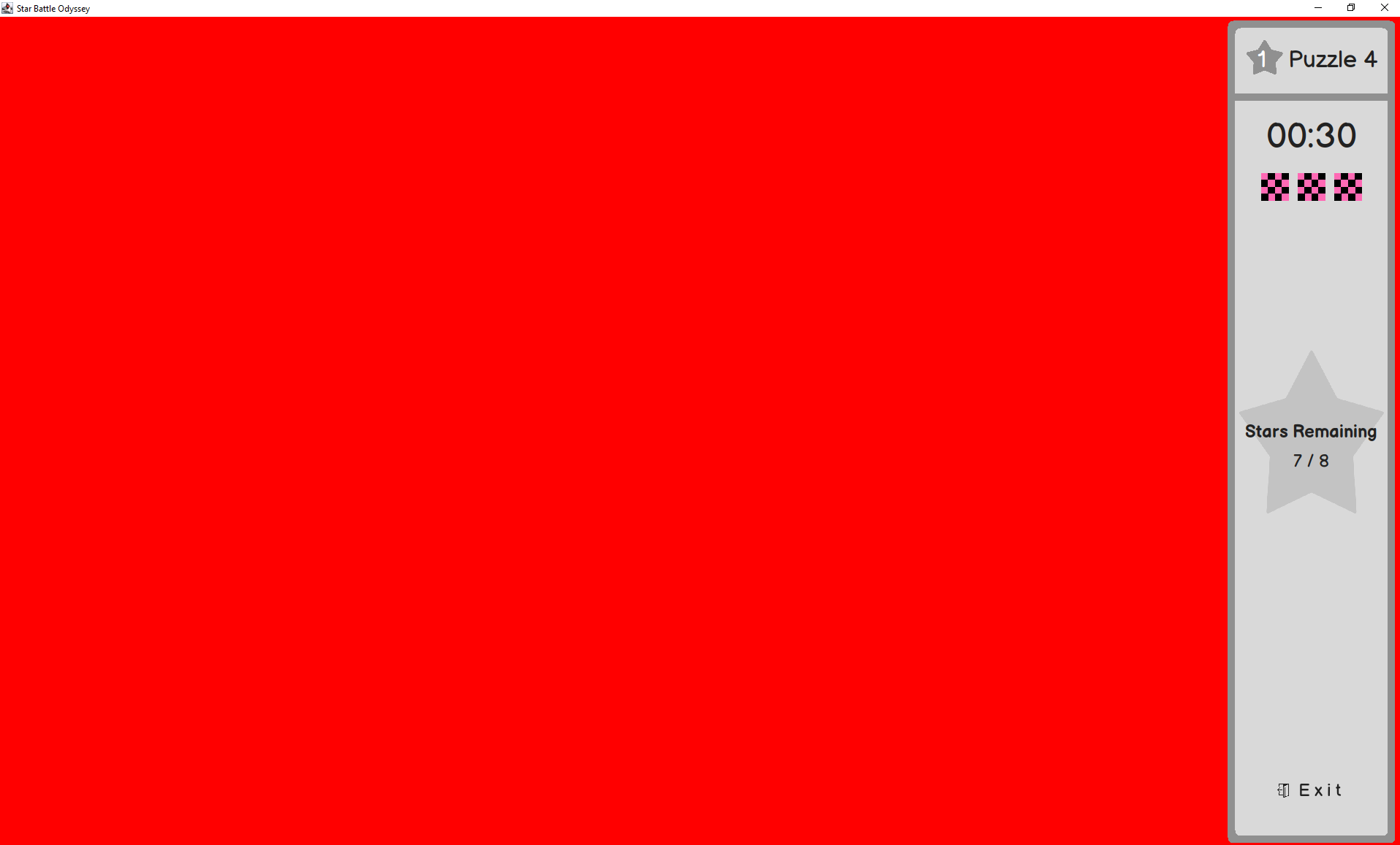
besides the icons and some setters, the main side panel is finished
πŸ”₯ 1
13:54
Ill remove the red when I am done. Just using that as a placeholder for getting colors correct
15:32
πŸ”₯ 1
15:32
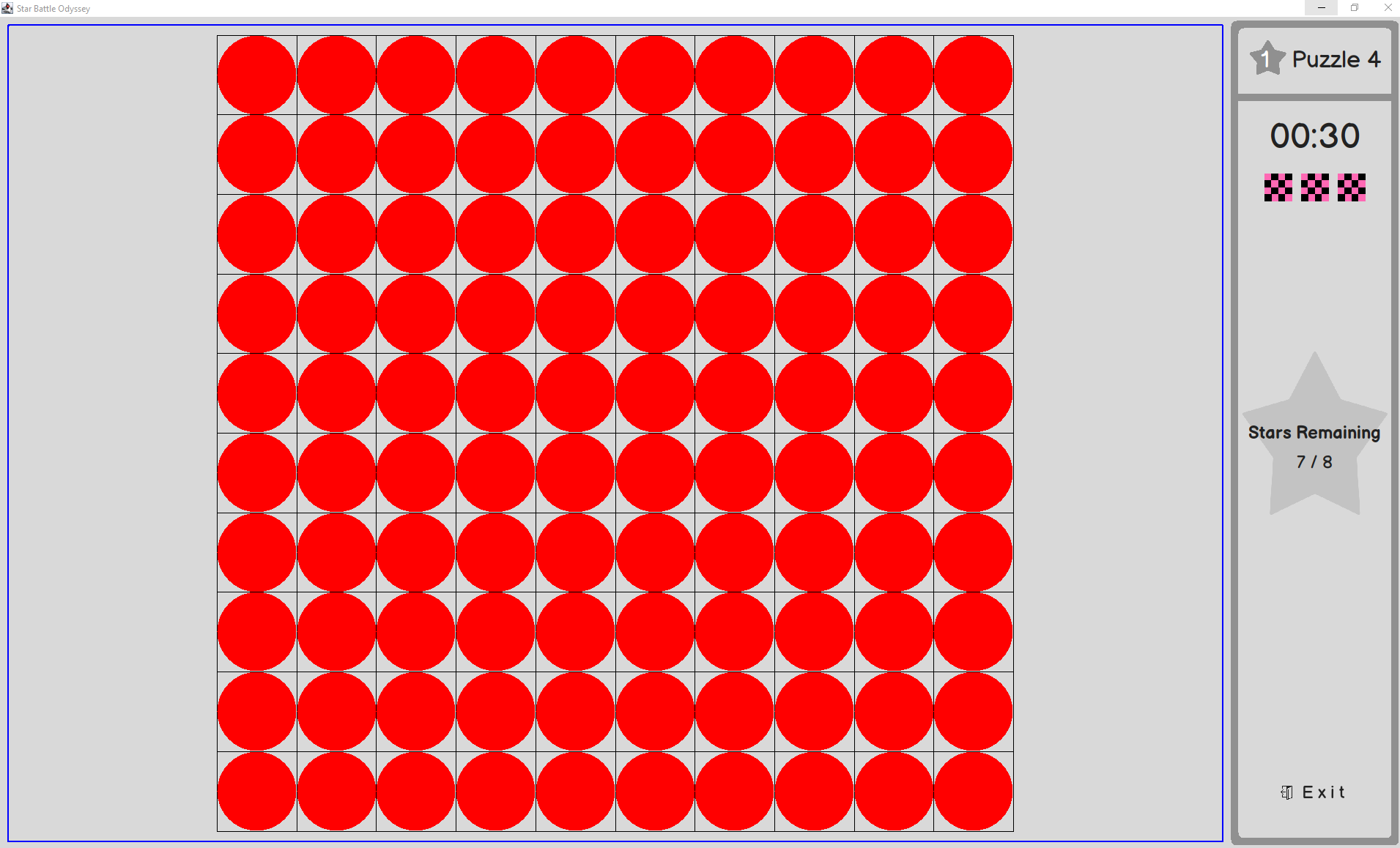
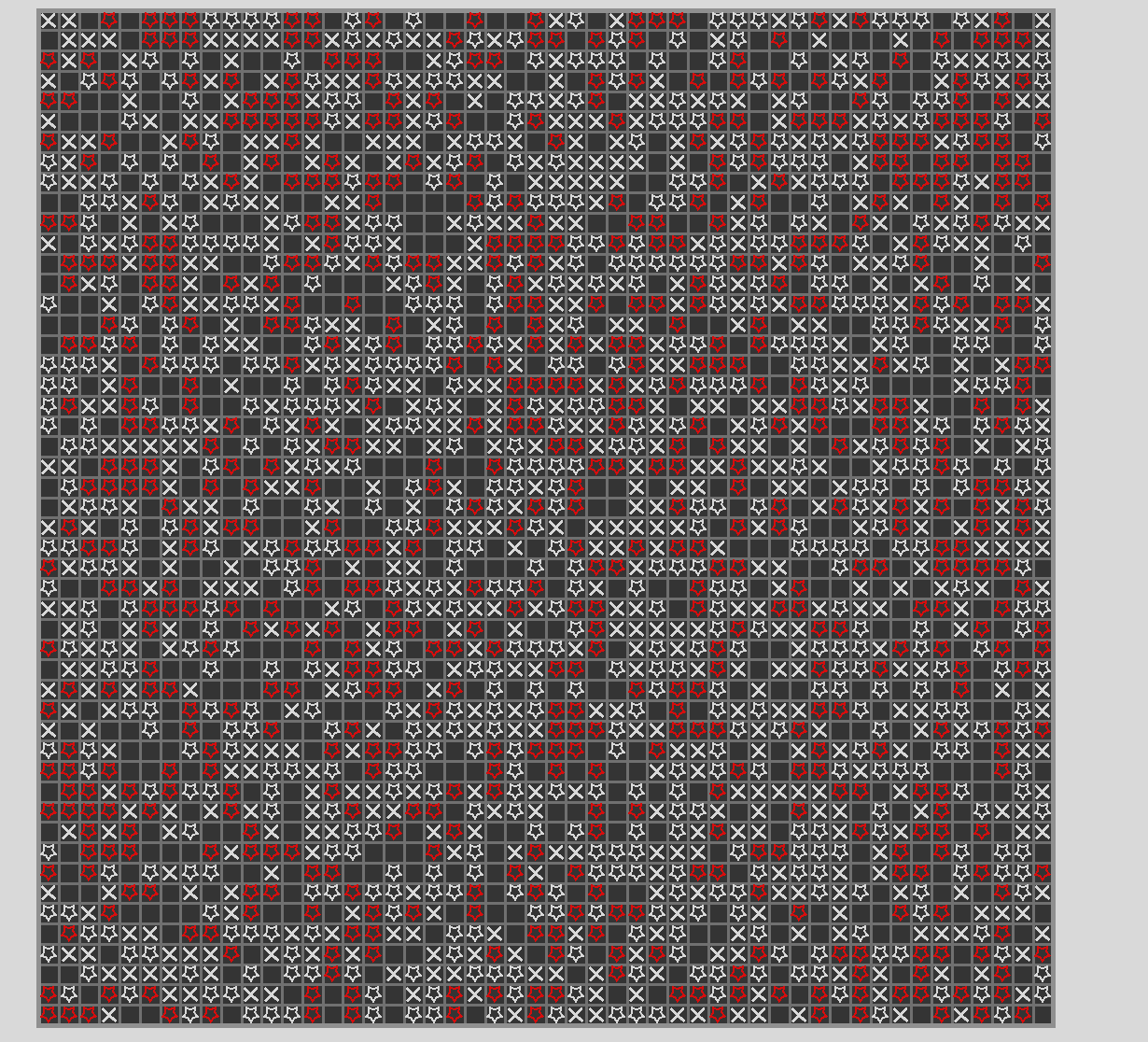
Still WIP, but each cell now is a java object in a array. This way we can implement what we talked about where I can be like puzzleScreen.getCell(col, row).setType(StarType.X) etc
15:33
right now for testing each cell just draws a red circle
Avatar
I know this is a bit out of scope, but I do kinda want a giant puzzle like this lol
Avatar
Oh my… 😳
Avatar
I was making sure my grid supports any size grid lol
16:11
and right now each cell is randomly initalized with a state
Avatar
Good work man!
Avatar
In the cell class, there is a onClick function. It has a boolean for rightClick
16:13
if its false, its a left click, true is a right click
16:13
Right now its a print statement, but that can be used to set the cells state, etc
Avatar
Avatar
Eric Golde
I didn't add the Tick marks, because I was having issues with drawing rounded rectangles ontop of the progress bar element
I wasn't planning on actually have ticks there. So I think you are all good πŸ™‚
Avatar
Avatar
Eric Golde
@Chris are the buttons on the playing puzzle screen suppose to be ovals and not circles?
They are suppose to be circles lol, I messed up
Avatar
Avatar
Eric Golde
I know this is a bit out of scope, but I do kinda want a giant puzzle like this lol
Haha dude that looks like mine sweeper or something
17:36
Awesome job Eric! You are killing it bro. You are a machine!!
17:36
This really is coming together well wow
17:36
πŸ₯Ή
Avatar
Avatar
Chris
They are suppose to be circles lol, I messed up
Okay. I can't figure out how to edit the Figma, but either if you can edit it, or I can edit the image in paint lol
Avatar
sure i'll go in and fix it
Avatar
You rock, tysm
Avatar
Fixed!
Avatar
Tysm! I'll add those images when I get back from dinner
❀️ 1
Avatar
Heyo, just a heads up on a breaking change. WebbButtons can now detect left or right click events. //Changes the button text to left or right when clicked WebbButton btn5 = new WebbButton("Mouse Btn", (self, rightClicked) -> { if (rightClicked) { self.setText("Right"); } else { self.setText("Left"); } }); //rest of the code to add it to the screen (edited)
Avatar
@Chris I made a PR for all the new screen stuff. Not sure if you want to view it, or if I should just merge it to master
22:57
Things that still don't work UI wise: Ability to click the puzzle screen and view a puzzle Puzzle screeen has no thick lines Sorting puzzles in the puzzle selection screen paging in the puzzle select screen
22:58
Ill get to these when I can, i'm going to probs head to bed shortly
Avatar
Avatar
Eric Golde
@Chris I made a PR for all the new screen stuff. Not sure if you want to view it, or if I should just merge it to master
Reviewed it πŸ™‚ Excellent work! Add a couple of comments. I also made the suggestion for my PR
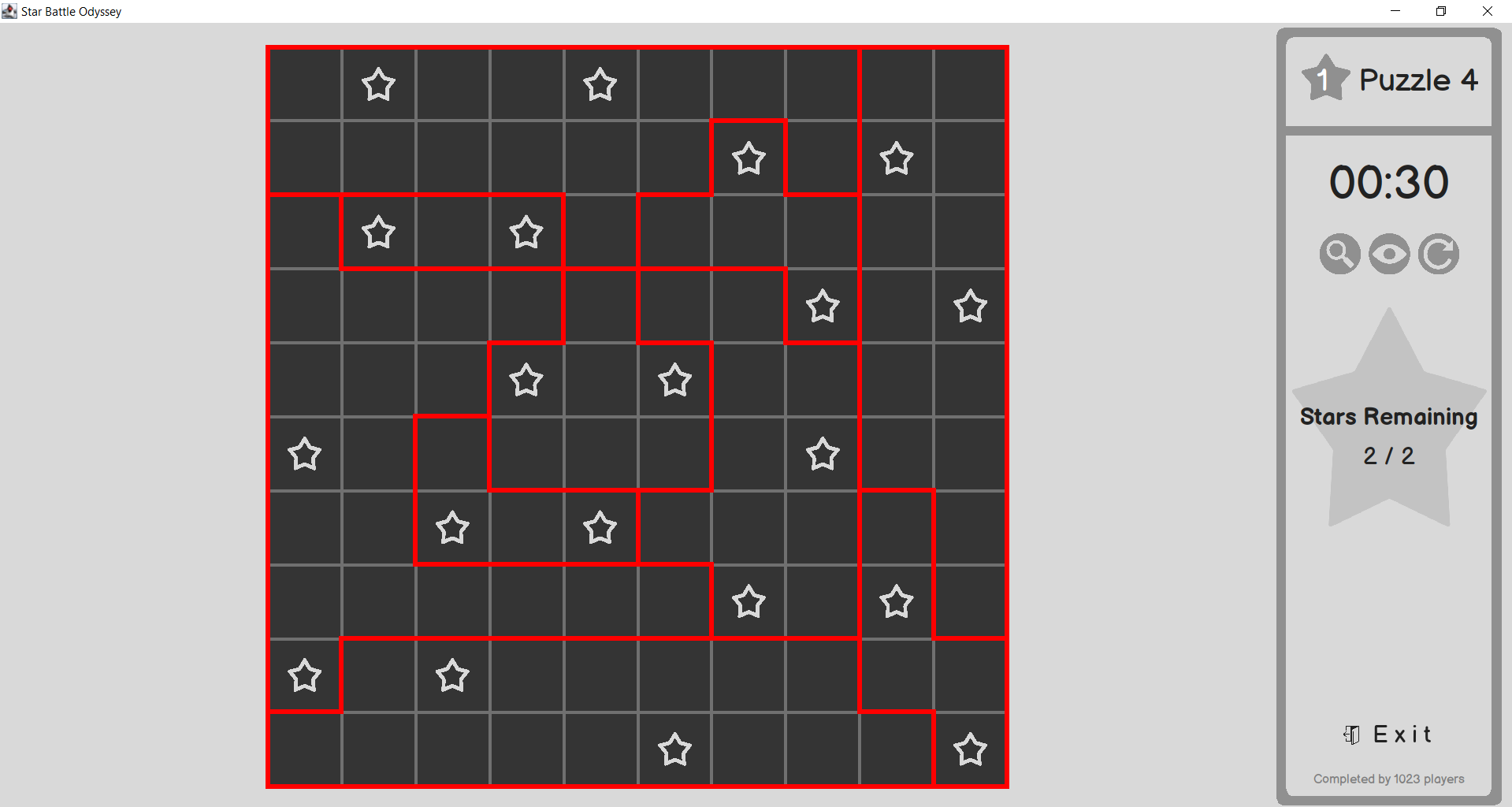
08:36
I merged it and added a new tutorial for y'all on how to run the program as an "authenticated user"
08:36
It's in the README
Avatar
Avatar
Chris
Reviewed it πŸ™‚ Excellent work! Add a couple of comments. I also made the suggestion for my PR
Sounds great, appreciate it. I'll take a look today, my first class got canceled, so I have some time to get things merged and looked at
Avatar
Very WIP, but you can soon now pass PuzzleDTO objects to the UI Right now it draws the walls and solution
Avatar
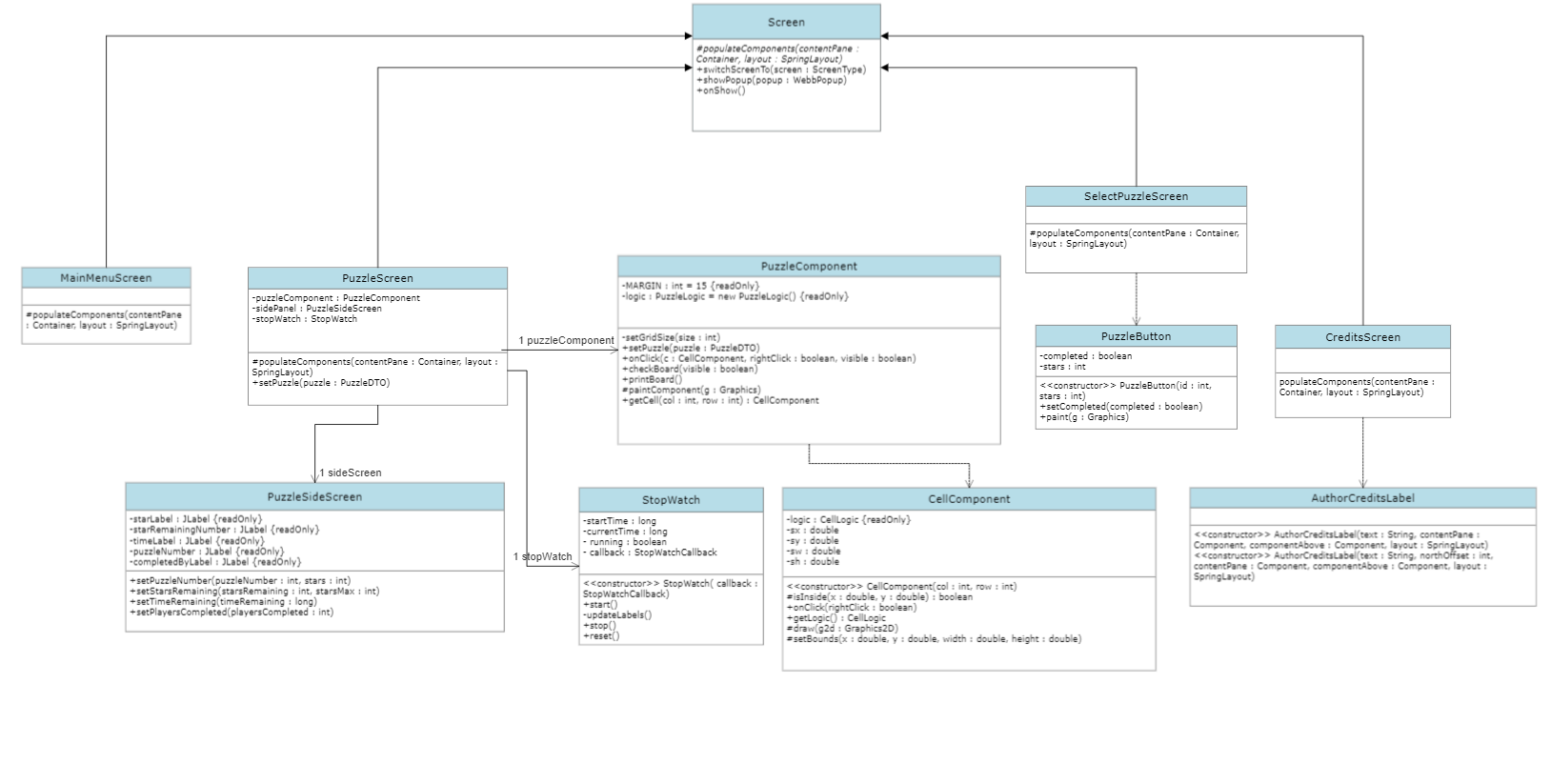
First UI Class Diagram down (separated just the screens). Quality of the image is kinda crusty, cause I had to ScreenShot it to avoid paying for the service annually, but the software was really intuitive.
Avatar
Nice nice!
Avatar
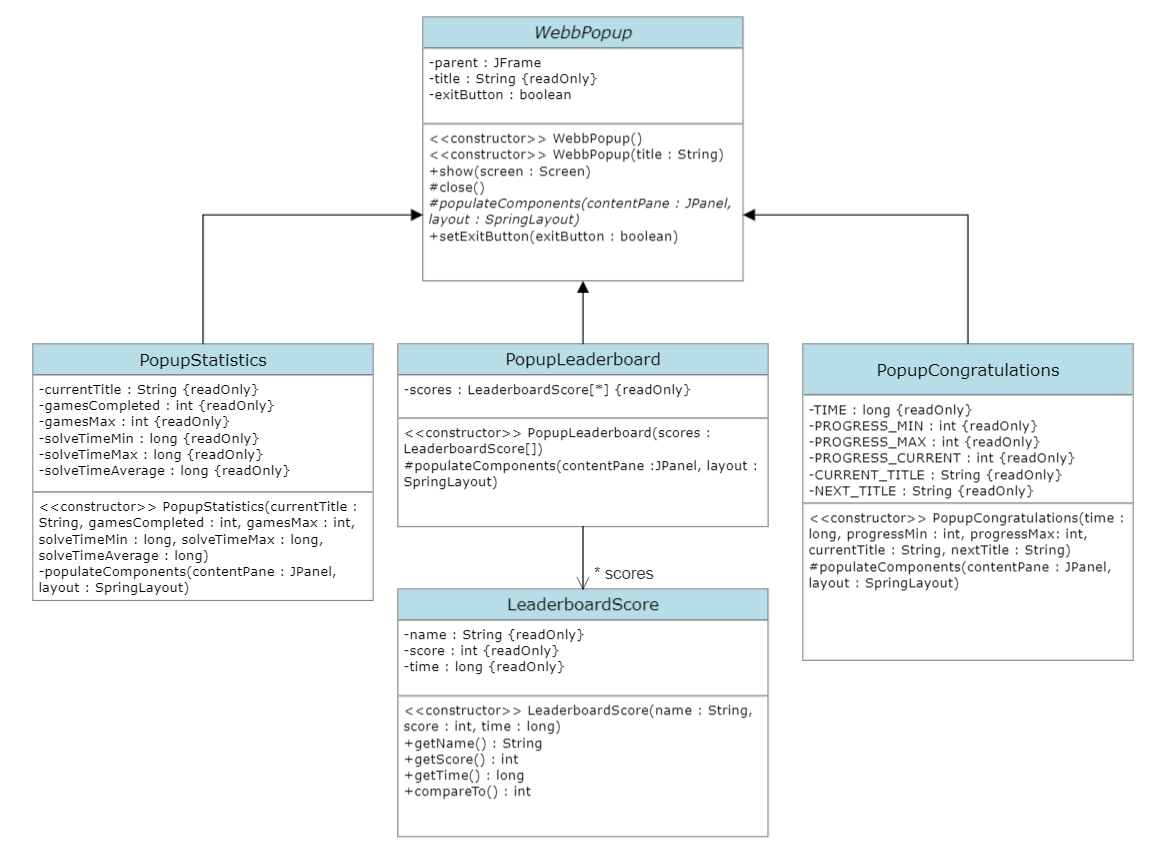
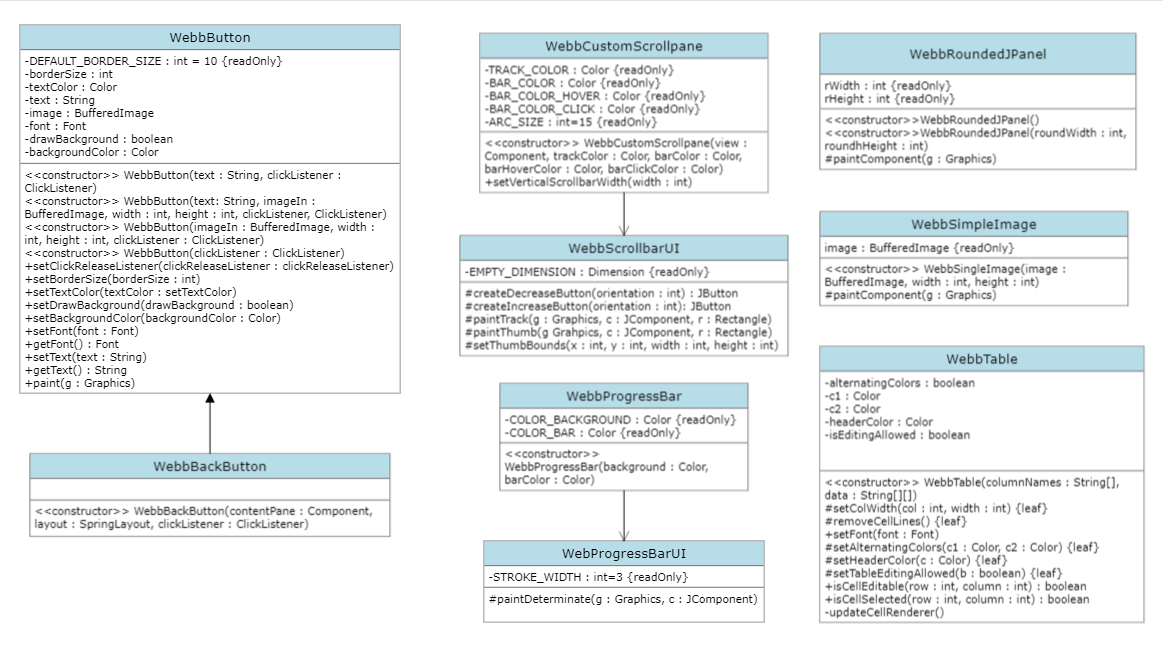
Oops, forgot to put one when I finished it. Here are the remaining two class diagrams for UI Popups and UI Components
Avatar
@Brandon I made them darker, and the hints button is fully functional
Avatar
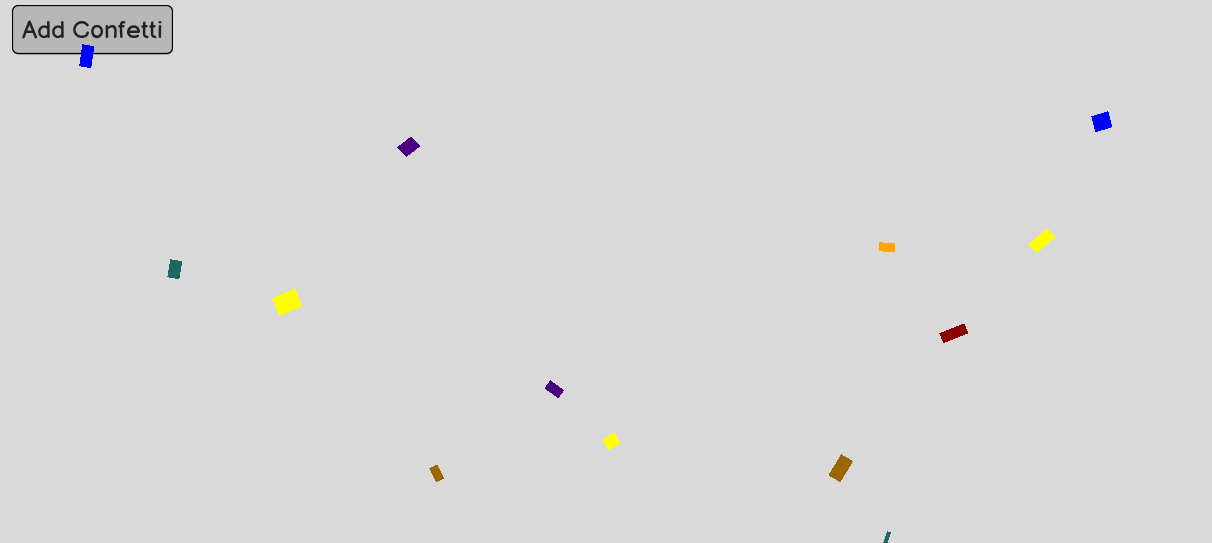
thought this could be cool when you win a game. idk, mainly just had fun making this while in a work meeting
Avatar
Avatar
Eric Golde
thought this could be cool when you win a game. idk, mainly just had fun making this while in a work meeting
Nice Eric! That's super neat, how did you come up with that effect??
Avatar
Avatar
Chris
Nice Eric! That's super neat, how did you come up with that effect??
i'm just drawing small colored rectangles to the screen. They have some gravity, and changing the scale transform on them to make it look like they flip the colors also change to indicate "sides" of the confetti
10:01
Its very silly, but should be realitively easy to add, the same way I did the background on the main screen
10:02
I can also change the zindex to make it draw over every button and UI element, if we want it to
Avatar
Super cool, nice job looks good. That'll be a nice addition to the congratulations screen
Avatar
Avatar
Chris
Super cool, nice job looks good. That'll be a nice addition to the congratulations screen
I have some ideas for checkboxes and input boxes so we can make a simple settings for username and enabling music and sound etc
Avatar
oh cool, that would be nice UX. do you need to design it on figma? I have the originally link if you need
Avatar
Sounds like a plan my dude
10:56
I'm still working on implementing those two components more for fun
Exported 107 message(s)